| Counters | Frontier |
|---|---|
 |  |
Prerequisites
Git and access to the FoW repository. Clone it and enter the checkout:
git clone git@github.com:mrluc/fow.git
cd fow
Elixir 1.20.4 and Erlang/OTP 29.0.6, as pinned in
.tool-versions. Runmix local.hexfrom the checkout if Hex is missing.For macOS builds, install Rust and the Xcode command-line tools. The generated build runs
cargo tauri. Ifcargo tauri --versionfails, install it once withcargo install tauri-cli --version '^2' --locked. Both Cargo commands can run from any directory.For Android builds, install Android Studio, its Android SDK and Platform Tools, and the Mob toolchain. From the FoW checkout, run
mix archive.install hex mob_newonce to install the Mix generator. The generated app fetches the public WebView dependency over HTTPS.
For either Android example, open Android Studio’s Device Manager and create a virtual device if you need one. List and start it from a terminal with the Android SDK tools on your PATH:
emulator -list-avds
emulator -avd YOUR_AVD_NAME
Choose a name from the list. When Android finishes booting, check
adb devices in a second terminal. The examples below assume one connected
device. If you have several, use adb -s SERIAL reverse … and add
--device SERIAL to mix fow.mobile.
Example: Counters app
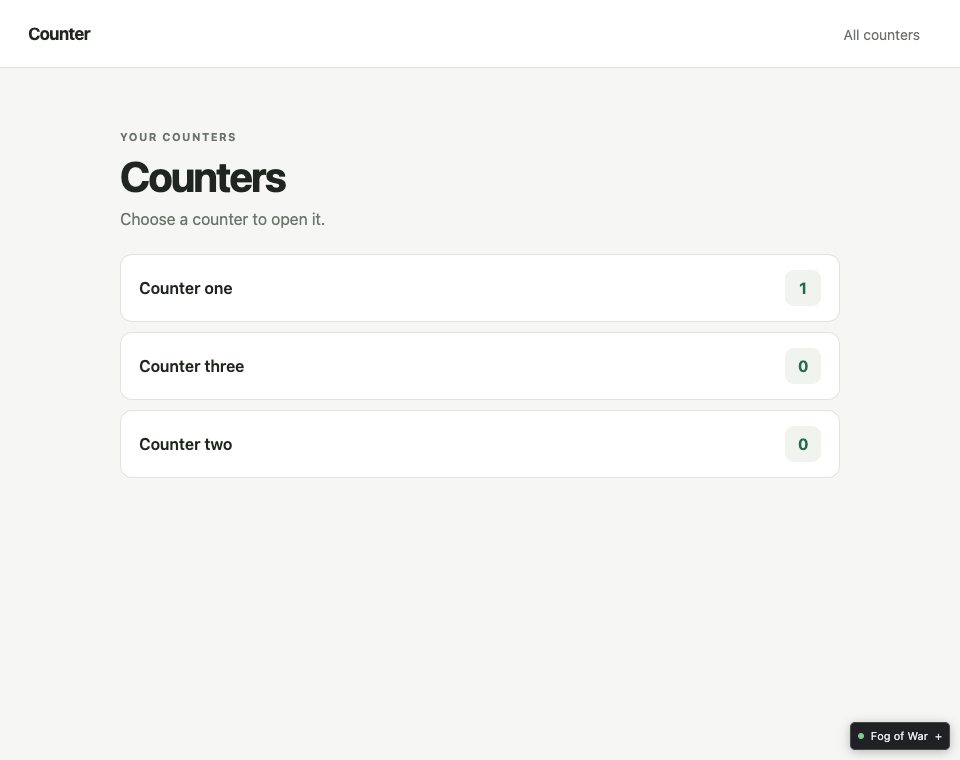
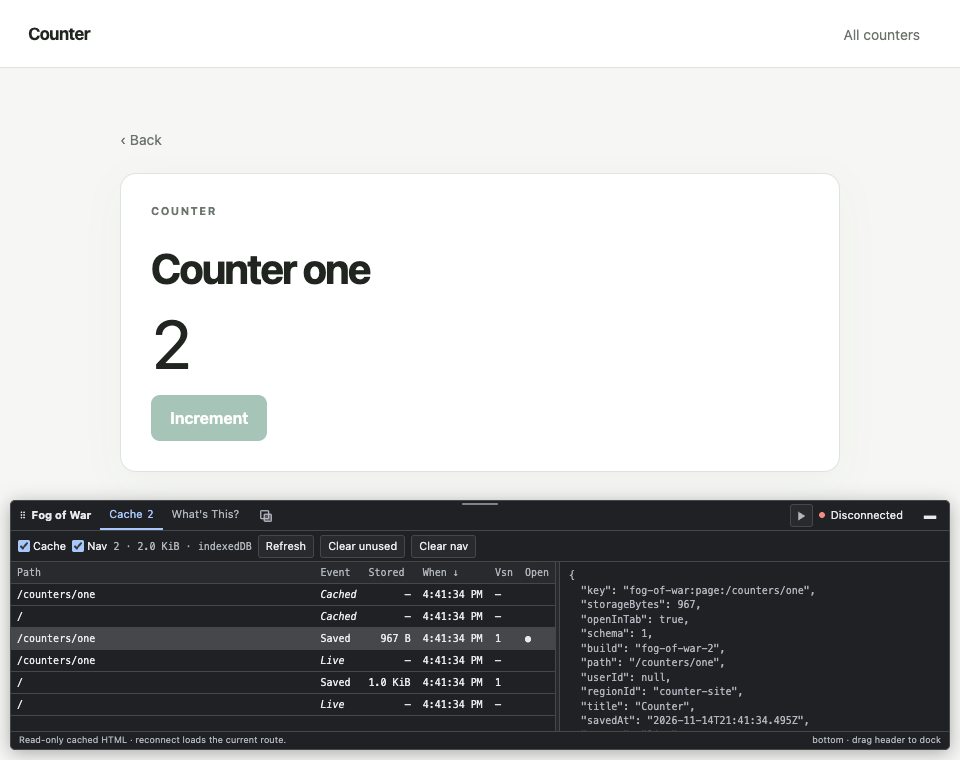
Counters has three routes with increment buttons. Visit One, increment it, and return to the list. Open the Fog of War panel and pause the socket. One still opens at the saved value, and its increment button is disabled. Three stays unavailable until you visit it online. The Cache tab shows the saved route and its payload. Resume the socket to use the counter again.
The integration is in these files under examples/basic/:
mix.exsadds the checkout as a path dependency.assets/js/app.jsregisters the FoW hook and installs the coordinator before connecting LiveSocket.lib/fog_of_war_basic_web/components/layouts.exwraps routed content withFogOfWar.regionand rendersFogOfWar.dev_tools..fow.jsonmakes the index the startup document and preloads One and Two in native builds.config/dev.exsenables the DevTools locally.
Run Counters locally
From the repository root:
cd examples/basic
mix setup
mix phx.server
Open the local Counters demo. Keep Phoenix running for the following builds.
Build and run Counters on macOS
In a second terminal, from examples/basic:
mix fow.desktop
Press ⌘ Space and search for Counters. The app is installed in
~/Applications. Use mix fow.desktop --force to rebuild and replace it.
Build and run Counters on Android
With Phoenix and the emulator running, use a second terminal from examples/basic:
adb reverse tcp:47180 tcp:47180
mix fow.mobile --env android-dev --platform android
Open Counters from the emulator’s launcher. Add --force to refresh the
prepared bundle and replace the generated project. After the first build,
you can open .fow/android-dev/projects/mobile/android/ in Android Studio.
Example: Frontier multiplayer app
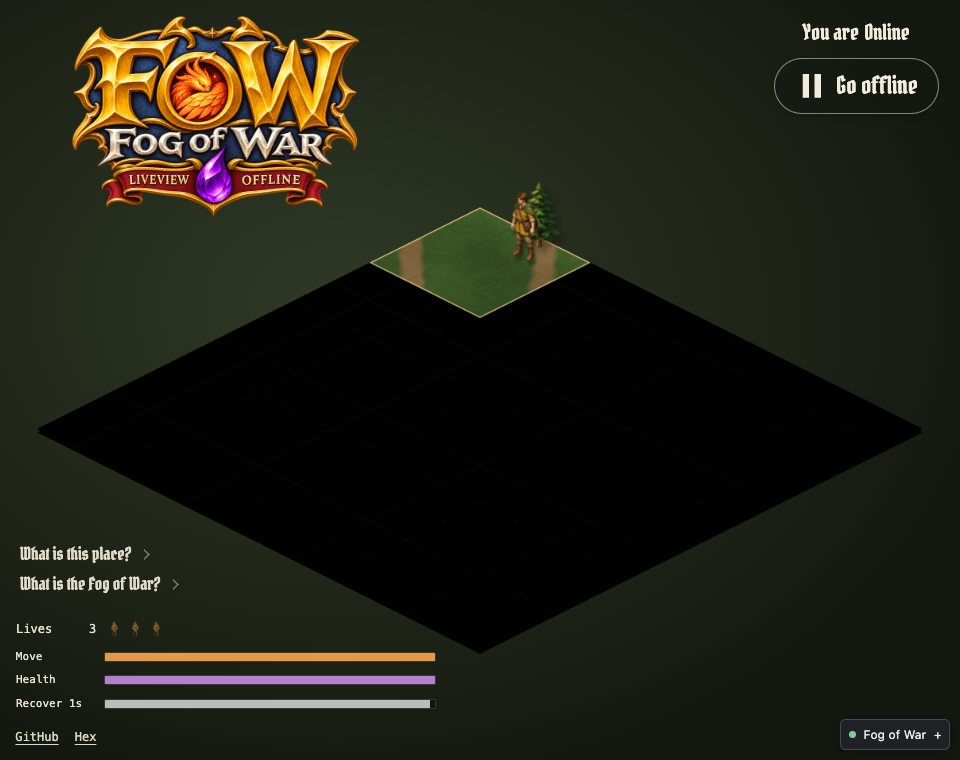
Frontier is an isometric multiplayer game. Move around online to explore, then toggle offline and revisit explored squares. Reconnect to resume the game. The native bundle ships the startup document and its artwork.
Run Frontier locally
From the repository root:
cd examples/frontier
mix setup
mix phx.server
Open the local Frontier demo. Keep Phoenix running for the following builds.
Build and run Frontier on macOS
In a second terminal, from examples/frontier:
mix fow.desktop
Press ⌘ Space and search for Frontier. The app is installed in
~/Applications. Use mix fow.desktop --force to rebuild and replace it.
Build and run Frontier on Android
With Phoenix and the emulator running, use a second terminal from examples/frontier:
adb reverse tcp:47190 tcp:47190
mix fow.mobile --env android-dev --platform android
Open Frontier from the emulator’s launcher. Add --force to refresh the
prepared bundle and replace the generated project. After the first build,
you can open .fow/android-dev/projects/mobile/android/ in Android Studio.